This post may include affiliate links. We do earn a commission for products purchased using these links (at no additional cost to you). Thank you for supporting Swing Yard, making the content you see on this blog possible. For more information, please see our privacy policy for details.
*Read our review guidelines.
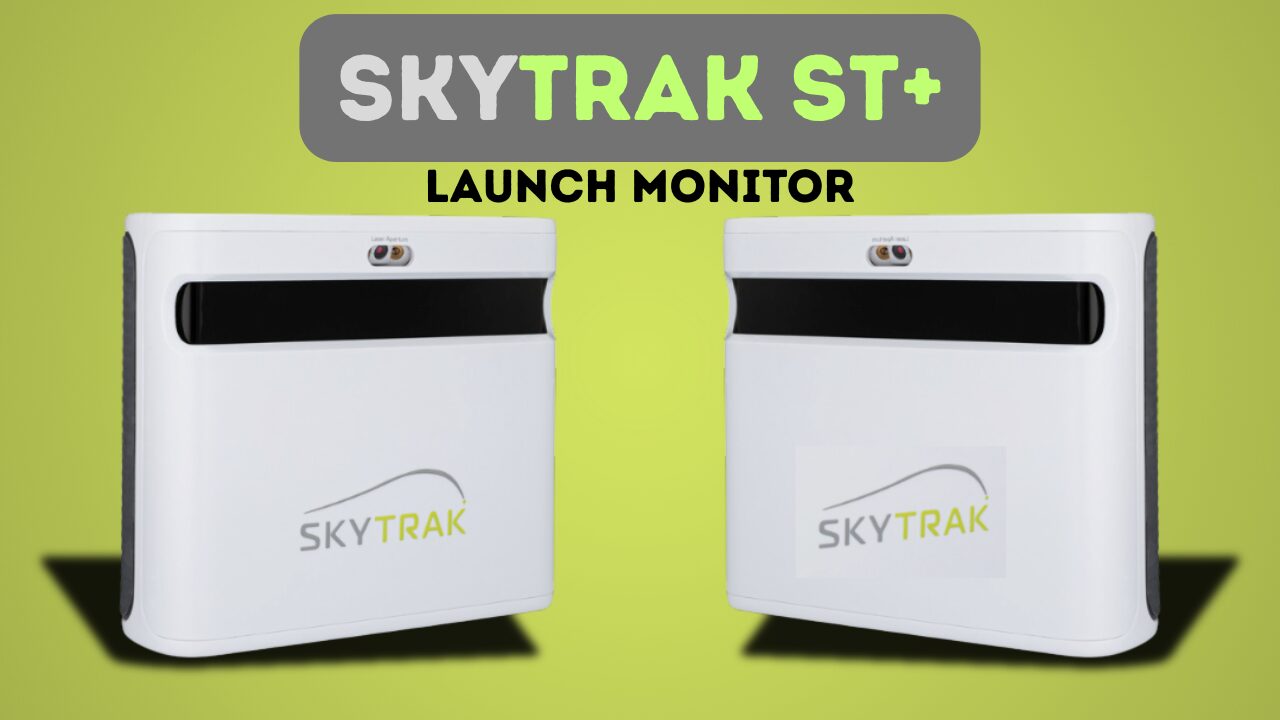
The SkyTrak ST+ launch monitor represents a significant evolution in SkyTrak’s popular line of photometric launch monitors. The SkyTrak ST+ was released in 2023 as the successor to the original SkyTrak unit that gained a loyal following among home budget conscious golf simulator enthusiasts. The ST+ brings notable improvements in accuracy and functionality with upgrades to the camera quality and the introduction of radar to the unit.. This portable launch monitor uses advanced high speed camera and radar technology to capture ball data and provide golfers with detailed shot information for both practice sessions and full golf simulation play.
**If you’re looking to buy a SkyTrak ST+, be sure to check out 2nd Swing, our preferred retailer for both new and used options
How does the SkyTrak ST+ work?
The SkyTrak ST+ (commonly referred to as SkyTrak+) is a hybrid launch monitor that combines enhanced high-speed photometric camera technology with dual Doppler radar. This setup captures detailed ball and club data immediately after impact without requiring marked balls or club stickers. The photometric cameras track the ball’s initial flight, while the radar measures club metrics and enhances overall accuracy. The SkyTrak+ then processes the ball flight data using what they call “proprietary machine learning algorithms” to calculate ball flight.
The unit can transmit data wirelessly or via USB to the SkyTrak app or compatible simulation software (e.g., E6 Connect, GSPro). The course simulation software then estimates the full trajectory, including carry distance, total distance, flight path, and landing behavior.
Get Smarter About Your Swing
Join thousands of golfers getting exclusive swing tips, club reviews, and gear guides straight to their inbox – before they hit the site.
- Ball Speed: The velocity of the ball as it leaves the clubface—essential for gauging distance potential and club performance.
- Vertical Launch Angle (VLA): The vertical angle at which the ball takes off, influencing trajectory height and carry distance.
- Horizontal Launch Angle (HLA): The initial direction of the ball relative to the target line, helping identify push/pull tendencies.
- Back Spin and Side Spin (Total Spin + Spin Axis): Comprehensive spin measurements that dictate curve, height, and roll-out upon landing.
- Club Data (via Doppler radar): Includes clubhead speed, smash factor, club path, and face angle for deeper swing analysis.
Below you’ll find our video review of the SkyTrak ST+. Please give it a watch and subscribe to our channel!
Watch
New videos every week on our youtube channel
This post includes affiliate links. I do earn a commission for products purchased using these links (at no additional cost to you). Thank you for supporting Swing Yard, making the content you see on this blog possible.
SkyTrak+ Pros
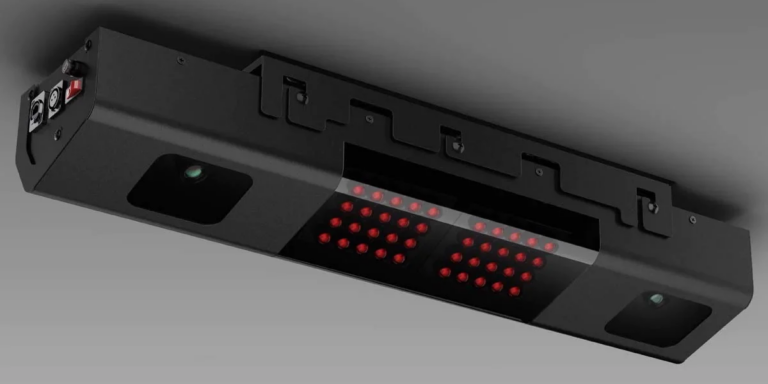
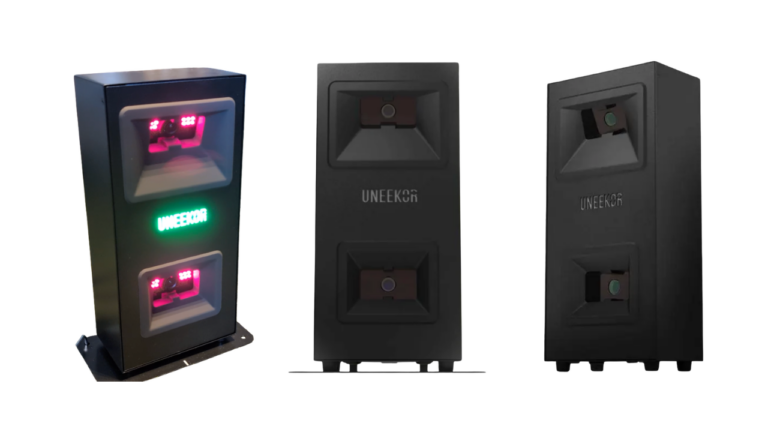
- Excellent Value Proposition: The SkyTrak ST+ delivers solid performance at a price point that makes home golf simulation accessible to a broader audience. While not the cheapest launch monitor on the market, it offers a compelling blend of accuracy and affordability that’s hard to match in its category (launch monitors <$2,500). I do think the Uneekor EYE MINI LITE is a bit more accurate and around a similar price range.
- Improved Accuracy Over Predecessor: One of the most significant upgrades in the ST+ model is enhanced measurement accuracy compared to the original SkyTrak. The unit provides more consistent and reliable data across all club types, giving you greater confidence in your practice sessions and simulation play.
- Indoor and Outdoor Versatility: Unlike some launch monitors that struggle in varying light conditions, the SkyTrak+ performs admirably in both indoor simulator setups and outdoor range environments. This flexibility means you can use the same device for backyard practice or basement simulation without compromising performance.
- Compact Footprint: The ST+’s small size is a major advantage for home setups. It requires minimal space to capture accurate ball data, making it perfect for tight basements, garages, or spare rooms. You can set it up just a few feet from your hitting area and still get reliable readings, which is ideal when working with a simple hitting net in confined spaces.
- Broad Software Compatibility: The SkyTrak+ seamlessly connects with popular golf simulation platforms including GSPro and E6 Connect. This compatibility gives you the freedom to choose your preferred simulation experience rather than being locked into a single ecosystem. Whether you want realistic course play or detailed practice modes, you have options.
SkyTrak+ Cons
- Shot Delay Issues: One of the more noticeable drawbacks of the ST+ is the lag between hitting your shot and seeing the result. The unit typically takes one to two seconds to process and display data, which can disrupt the natural feedback expectation for golfers trying to replicate the outdoor playing experience inside.
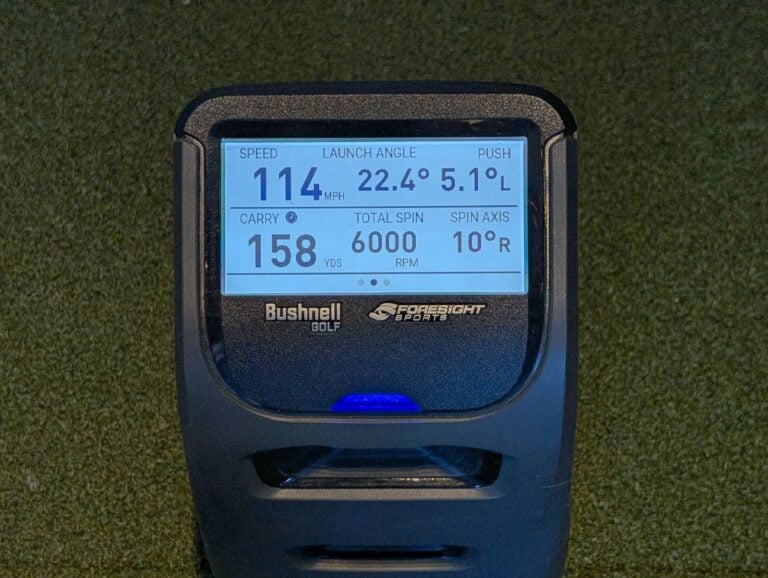
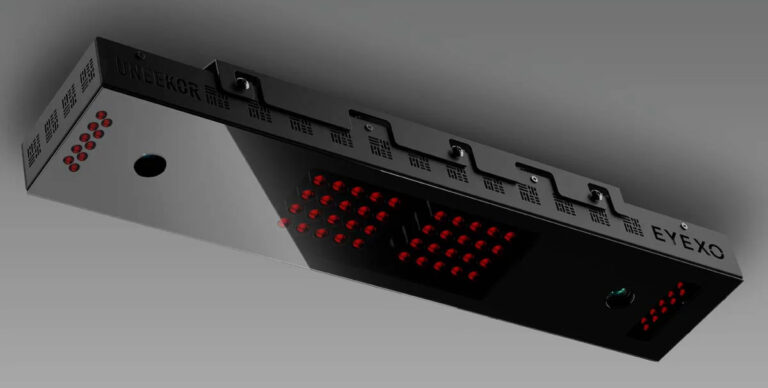
- Accuracy Limitations Compared to Premium Units: While the SkyTrak+ is more accurate than its predecessor, it still falls short of premium launch monitors like the Uneekor EYE XO or the various units from Foresight. When I tested the unit alongside my Uneekor, the SkyTrak would occasionally read the wrong shot shape. The SkyTrak+ would show a fade when the actual ball flight was a draw, and vice versa. These errors aren’t constant but occur frequently enough to be worth noting.
- Higher Misread Rate: Compared to high-end launch monitors, the SkyTrak+ experiences more frequent misreads and no-reads. This means you may need to hit the same shot multiple times to get a valid reading, which can be frustrating during practice sessions or when trying to maintain flow during a simulated round.
- Annual Subscription Requirement: Full access to the SkyTrak ST+’s features requires an annual subscription. While this business model has become increasingly common in the launch monitor space, it does add to the total cost of ownership. The subscription unlocks advanced features and full simulation capabilities, making it essentially mandatory for most users.
- WiFi Connectivity Problems: Perhaps the most frustrating issue reported by users is WiFi instability. The unit has a tendency to drop connections intermittently, and establishing a stable connection can be challenging. Many users have resorted to using a long USB-C cable (20 feet or more) for direct connection. This somewhat defeats the purpose of the wireless functionality.
Frequently Asked Questions (FAQ)
The SkyTrak ST+ can connect via WiFi or USB-C cable. While WiFi is the intended primary connection method, many users find that a direct USB-C connection provides more stable performance without dropped connections.
One of the ST+’s biggest advantages is its minimal space requirements. The unit can be placed very close to your hitting area and still capture accurate data. This makes it suitable for basements, garages, and other tight spaces where you might only have room for a hitting net and mat. Most users find that 8-10 feet of depth is sufficient for a basic setup.
Yes, the SkyTrak ST+ works for both right and left handed golfers. However, you will need to physically move the unit to the appropriate side depending the golfer. This is less convenient than overhead units that work for both orientations without adjustment.
No, the SkyTrak ST+ does not require marked or special balls. You can use any golf ball you want! Which is a significant convenience advantage over some competing launch monitors that require proprietary marked balls.
The ST+ model offers several key improvements over the original SkyTrak. This includes enhanced accuracy across all metrics, better shot tracking consistency, and improved software integration. However, it still maintains the compact form factor and ease of use that made the original popular. The ST+ essentially represents a refinement of the proven SkyTrak formula rather than a complete redesign.

Leave a Comment