This post may include affiliate links. We do earn a commission for products purchased using these links (at no additional cost to you). Thank you for supporting Swing Yard, making the content you see on this blog possible. For more information, please see our privacy policy for details.
*Read our review guidelines.
The Bushnell Launch Pro is a photometric launch monitor built on the same three-camera technology as the Foresight Sports GC3 — one of the most accurate and trusted launch monitors in the world. After Bushnell acquired Foresight Sports in 2021, they introduced the Launch Pro as a way to bring that pro-grade Foresight technology to a broader market at a significantly lower entry price.
Before this thing dropped, if you wanted Foresight-level accuracy you were writing a big check. The Bushnell Launch Pro changed that, and it’s been one of the most talked-about units in the launch monitor space ever since.
Whether you’re building a home golf simulator or want reliable data at the range, the Launch Pro belongs on your shortlist. Let me break down exactly what you’re getting and where it may fall short.
2nd Swing Price: https://tidd.ly/48MmWw3 – (*Preferred Partner*)
Bushnell Price: https://bushnell.pxf.io/NG6A21
Video Review Of The BLP
Watch our full hands-on video review before you read on. We give you our honest take on whether this thing is worth your money and a video review of how it all works. Hit that Subscribe button while you’re there!
Quick Specs
| Feature | Details |
|---|---|
| Technology | Three high-speed cameras (photometric) |
| Ball Data Points | 8 — carry distance, ball speed, total spin, back spin, side spin, spin axis, vertical & horizontal launch angle |
| Club Data Points | 4 — club speed, smash factor, club path, angle of attack (stickers + subscription required) |
| Indoor / Outdoor | Both — no minimum ball flight required and an advantage to photometric launch monitors. |
| Simulator Software | FSX Play & FSX 2020 (Windows/PC only) & more with purchased subscription |
| Display | Built-in touchscreen LCD |
| Connectivity | WiFi, USB-C, Ethernet |
| Battery Life | 5–7 hours |
| Starting Price | ~$2,499 (ball data only) |
Accuracy: The Whole Point of This Device
Let’s start here because, honestly, it’s the reason you’d choose the Bushnell Launch Pro over a cheaper radar unit. And it does not disappoint.
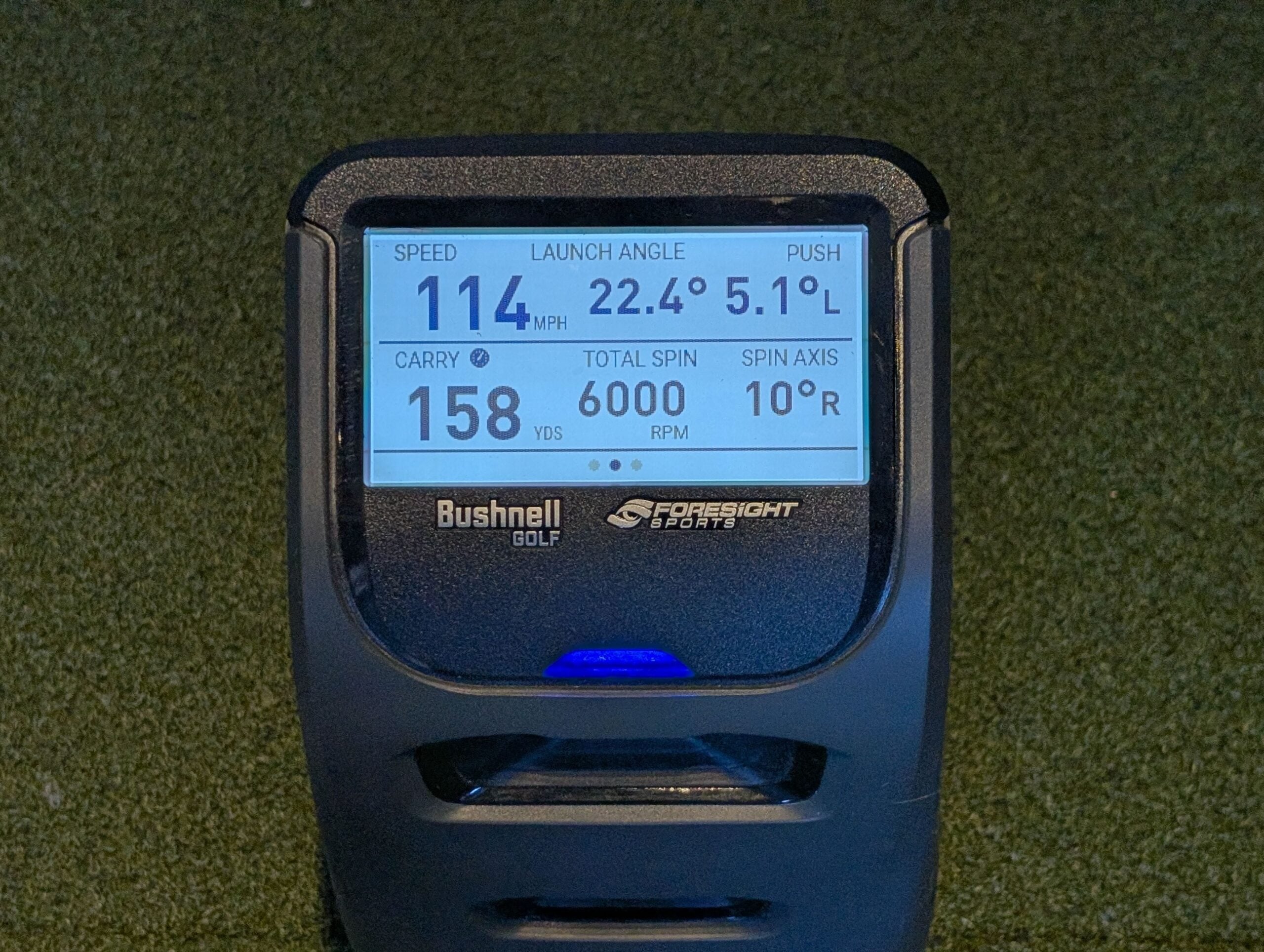
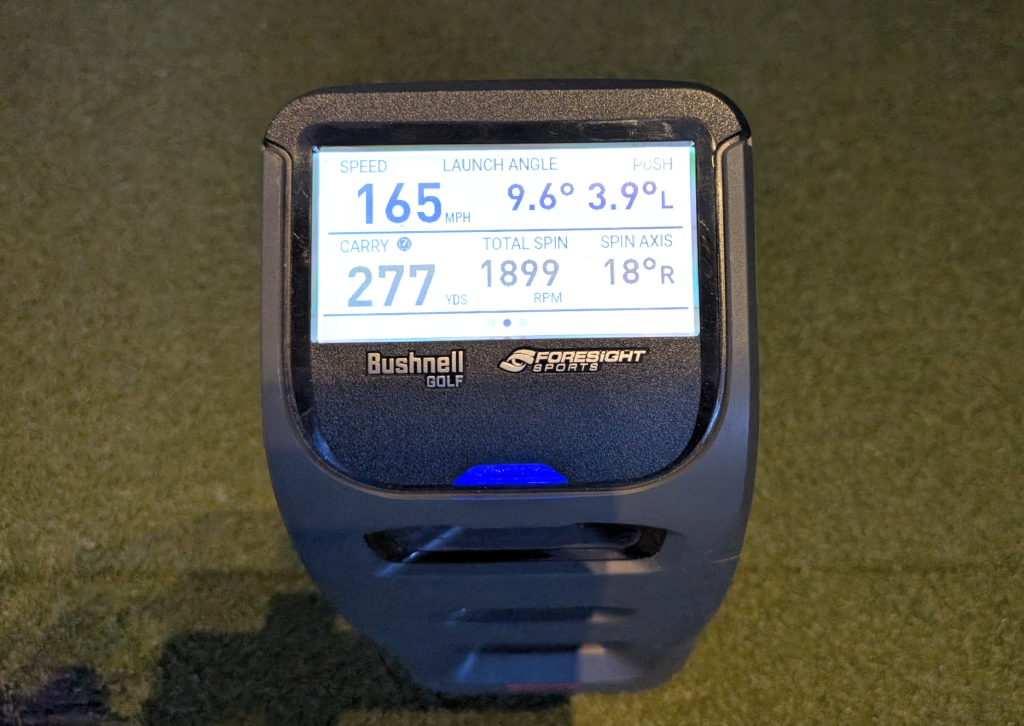
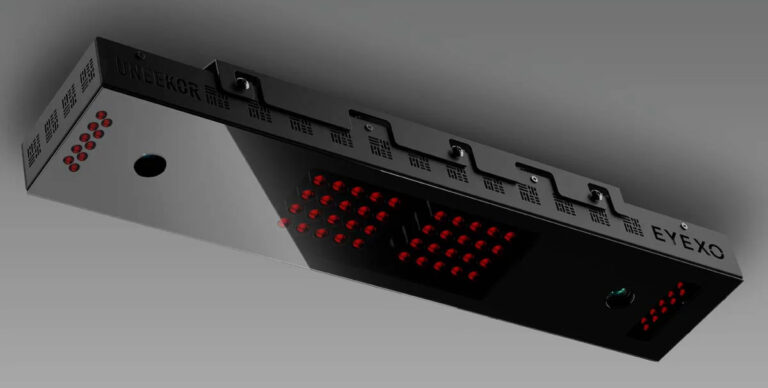
When I tested the Launch Pro against my premium Uneekor EYE XO launch monitor — the numbers tracked extremely closely across every metric. Ball speed generally matched within one or two MPH in difference. Spin rates were within my expectations of each other. Launch angle was typically within a degree or two. Carry distance with the driver was aligning well. Plainly put, this is by far the most accurate device priced under my Uneekor Eye XO that I’ve tested thus far.
That level of consistency is what you’re paying for. And for anyone who has bounced around on cheaper radar monitors that give you wildly different spin numbers shot to shot, the step up in data quality is immediately noticeable.
The key advantage the Launch Pro has over radar-based systems like the Trackman 4 for indoor use comes down to how it measures. The three cameras capture what happens at impact — they don’t need to track a full ball flight. That means it works just as well hitting into a net in a 10-foot bay as it does on an outdoor driving range. Radar units can struggle with short ball flights indoors. Cameras don’t have that problem.
One thing I want to flag from our testing: outdoor performance on real grass is one area where the Launch Pro clearly outperforms its camera-based competitor the SkyTrak+. The SkyTrak+ can have trouble reading shots off natural turf. The Launch Pro handles it without issue — mat or grass, it reads everything cleanly.
Ease of Use
This is honestly one of the Launch Pro’s best qualities. Press the power button. Set it down. Hit balls and the data is right there on the screen. Obviously, if you want to track all of that data, you’ll need to connect it to the app.
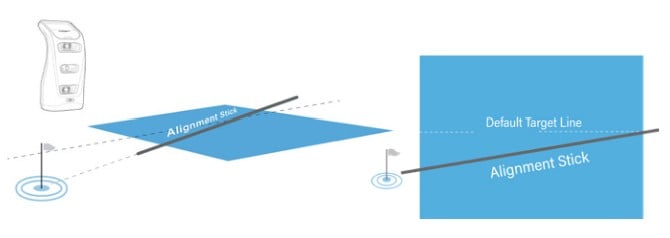
The alignment stick that comes in the box is a feature borrowed directly from the GCQuad, and it’s one of those things you don’t realize you need until you have it. Drop the reflective rod along your target line, the unit beeps, and it calibrates to that line automatically.
The one area where setup can get frustrating is WiFi. If you want to connect to simulator software or save your session data, you’re going through a WiFi connection process that some people find tricky on the first attempt. We ran into a few hiccups ourselves, but it’s usually set it and forget after that first connection effort.
Also worth knowing: the simulation software (FSX Play and FSX 2020) is PC only. If you’re a Mac user or working from an iPad setup, that’s a dealbreaker. Plan accordingly before you buy.
Simulation & Software: FSX Play
If you’re putting together a home golf simulator, the FSX Play is legitimately impressive simulation software — up to 5K resolution, clean course visuals, and a full suite of game modes.
What I appreciate about FSX Play is that you can compare shots, track session history, and dig into your numbers with ease. If you’re the kind of golfer who wants to know why your driver is going 15 yards right rather than just watching it go 15 yards right, you’ll love the ecosystem.
That said — it is PC only, it does require a capable graphics card to run well, and the course library is smaller than what you get with some competitors out of the box. The SkyTrak+ offers a much more consumer-friendly, plug-and-play simulation experience (if easy and fun is what you’re after). The Launch Pro is the choice if accurate data and a serious practice environment matter more to you.
Pricing & Subscriptions — Read This Carefully
The subscription model is the most polarizing thing about the Bushnell Launch Pro. Here’s exactly how it breaks down:
| Tier | Price | What You Get |
|---|---|---|
| Device — Ball Data Only | ~$2,499 | 8 ball metrics displayed on the built-in LCD — no software needed |
| Basic Subscription | Free | Comes with device purchase – Ball speed, distance, launch angle, spin — no simulation access |
| Silver Subscription | $199/year | Includes full app access, complete ball and club data (using markers), FSX Pro, and FSX Play with 5 courses. |
| Gold Subscription | $499/year | All data including club metrics, 25 courses, full session history and most importantly it unlocks options to connect to 3rd party software (like GSPro or E6 Connect) |
My honest take: if you’re buying this purely for accurate ball data on the range or in a simulator — and you already have simulation software you like — the base device is a tremendous value. If you want club data and the full FSX ecosystem, budget for the Gold subscription on top of the device cost and go in with your eyes open.
Get Smarter About Your Swing
Join thousands of golfers getting exclusive swing tips, club reviews, and gear guides straight to their inbox – before they hit the site.
Compared to the Foresight GC3 (the same technology, no subscription) at $5,999+, the Launch Pro is still cheaper even after a few years of Gold subscription costs. The math works out in the Launch Pro’s favor for most people over a 3-4 year horizon but no one loves expensive repetitive yearly costs.
Bushnell Launch Pro vs. The Competition
Bushnell Launch Pro vs. SkyTrak+
These two go head to head constantly, and for good reason — they’re in a similar price range and both sit at the top of the consumer launch monitor market. The SkyTrak+ wins on user experience and simulator software accessibility. It’s more fun, easier to connect, and has a better mobile app. But the Bushnell Launch Pro wins on raw accuracy, outdoor performance (especially off real grass), and the depth of its data. If data is your priority, the Launch Pro is your unit. If you want a more enjoyable, plug-and-play simulator experience, the SkyTrak+ is a great option.
Bushnell Launch Pro vs. FlightScope Mevo Gen 2
The Mevo Gen 2 uses FlightScope’s Fusion Tracking — a hybrid of Doppler radar and camera technology — which gives it some real advantages. It’s highly portable, includes built-in swing video recording, captures full ball flight data, and comes with simulator software out of the box with no ongoing subscription fees. The Pro Package and Face Impact Location upgrades are both one-time purchases, so you’re never paying annually. The Launch Pro definitely wins the accuracy battle and requires less space to set up. But for golfers who want a portable, no-subscription option that works well outdoors and indoors, the Mevo Gen 2 is something to consider.
Bushnell Launch Pro vs. Trackman 4
The Trackman 4 is the undisputed standard for outdoor, professional-level launch monitor use. Dual radar, full ball flight tracking, the best outdoor data available — and a price tag that starts around $25,000. The Launch Pro gets you remarkably close to Trackman-level accuracy indoors at a fraction of the cost. For a teaching pro, serious amateur, or home simulator owner, the Launch Pro makes far more financial sense. Check Swing Yard’s teaching pro’s video on the Trackman 4.
Bushnell Launch Pro vs. Foresight GC3
Same technology, same cameras, same accuracy. The GC3 has no subscription, but costs significantly more upfront. If you plan to use this device for five or more years with club data and simulation enabled, the GC3 math eventually breaks even. For most golfers, the Launch Pro’s lower entry cost still wins out — especially if you’re not sure how heavily you’ll use every feature.
Who Should Buy the Bushnell Launch Pro?
The Launch Pro is a strong fit if you check any of these boxes:
- You’re a serious amateur who wants data you can actually trust to guide your practice
- You’re building or upgrading a home golf simulator setup and want accurate indoor performance
- You’re a teaching professional who needs portable, pro-grade data without a $25,000 investment
- You want to use a launch monitor on real grass outdoors as well as indoors
- You’re a data-oriented golfer who will actually dig into spin rates, launch angles, and club path numbers
Who Should NOT Buy the Bushnell Launch Pro?
The Launch Pro is genuinely not the right call for everyone. Skip it if:
- You’re a Mac user. The FSX simulation software is PC only. Full stop! (Unless you intend to buy another computer)
- You’re outside the United States. The Launch Pro is a US-only product — it requires a US internet connection every 45 days to function.
- You primarily want a fun, casual simulator experience. The SkyTrak+ has a much friendlier software ecosystem for casual play.
- You hate subscription models. Enough said…
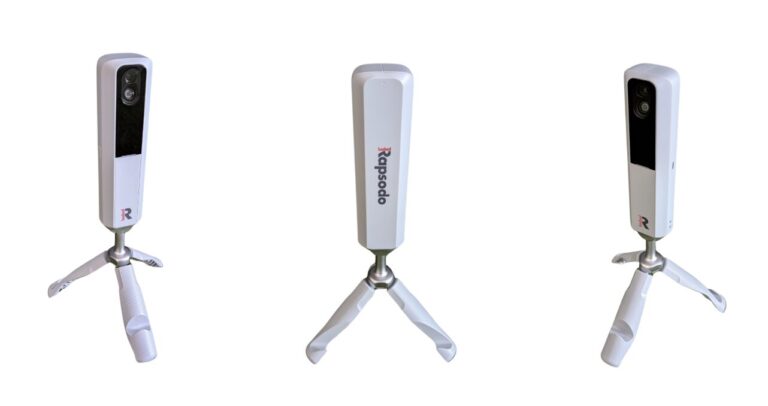
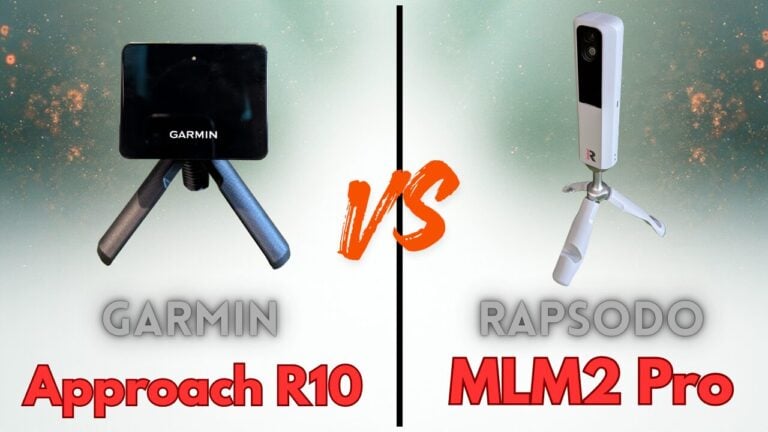
- Budget is your main driver. There are solid options like the Garmin R10, FlightScope Mevo Gen2 or Rapsodo MLM2 Pro at a lower price point if you’re newer to launch monitors and not ready to commit to this level of investment.
- You need Bluetooth connectivity. The Launch Pro does not have Bluetooth. Connectivity is via WiFi, USB-C, or Ethernet.
Final Verdict
The Bushnell Launch Pro is really solid guys…both physically (it’s a big unit) and in terms of it’s quality of output. In our testing, the accuracy held up consistently against far more expensive devices, the setup was relatively straightforward, and the data quality is genuinely in a different category from cheaper or similarly priced alternatives.
Is it perfect? No. The subscription model is a legitimate ongoing cost, which can annoy folks. The PC-only software can be a deterrent for some but it’s also a unit that’s built for serious golfers, not really for those looking to get their foot in the door.
But if you are that serious golfer who wants data you can actually trust — and you’re willing to invest in a device that’s going to give you honest, actionable feedback on your ball striking — the Bushnell Launch Pro is one of the best tools available at its price point. It’s the device I’d put at the top of the list for anyone building a low to mid-range home golf simulator with the ability for an outdoor range setup.
Questions? Drop them in the comments — I’m happy to help you figure it out. And if you want to compare a few more options before you decide, check out our full launch monitor reviews page.
Frequently Asked Questions
Is the Bushnell Launch Pro worth it?
For serious golfers who want tour-level data accuracy without paying for a Trackman or GCQuad, yes — the Bushnell Launch Pro is absolutely worth it. The accuracy is exceptional for the price and it works indoors and outdoors. Just go in knowing the subscription costs stack on top of the device price.
Is the Bushnell Launch Pro the same as the Foresight GC3?
Pretty much. Same three-camera photometric system, same accuracy, same data. The differences come down to price model (the Launch Pro requires an annual subscription, the GC3 doesn’t), branding, and availability — and the fact that the Launch Pro is a U.S.-only product.
Can you use the Bushnell Launch Pro outdoors?
Yes, and it performs very well outdoors — including off natural grass, which is something competitors can struggle with. Because it captures data at impact rather than tracking ball flight, it doesn’t need a minimum ball flight distance, making it effective in tight spaces and outdoors equally.
Do you need a subscription to use the Bushnell Launch Pro?
No — you can use the device right out of the box without any subscription. Ball data displays directly on the built-in LCD screen. Subscriptions are required to unlock simulator software access, save session data, and get club metrics (speed, path, angle of attack, smash factor).
What simulator software works with the Bushnell Launch Pro?
The Launch Pro is designed for FSX Play and FSX 2020, both developed by Foresight Sports. Both are Windows PC only. FSX Play offers superior graphics and a cleaner interface; FSX 2020 provides more customization options and is preferred by some data-focused users. With the Gold Subscriptions purchased, you unlock access to third party softwares such as E6 Connect and SwingYard’s favorite, GSPro.
How accurate is the Bushnell Launch Pro?
Very accurate. In our testing against the Uneekor EYE XO, ball speed nearly matched, spin rates were accurate, launch angle within a degree, and carry distance within close proximity, even with the driver. For a launch monitor at this price point, that accuracy is at the top of its class.
Watch
New videos every week on our youtube channel
How much space do you need for the Bushnell Launch Pro?
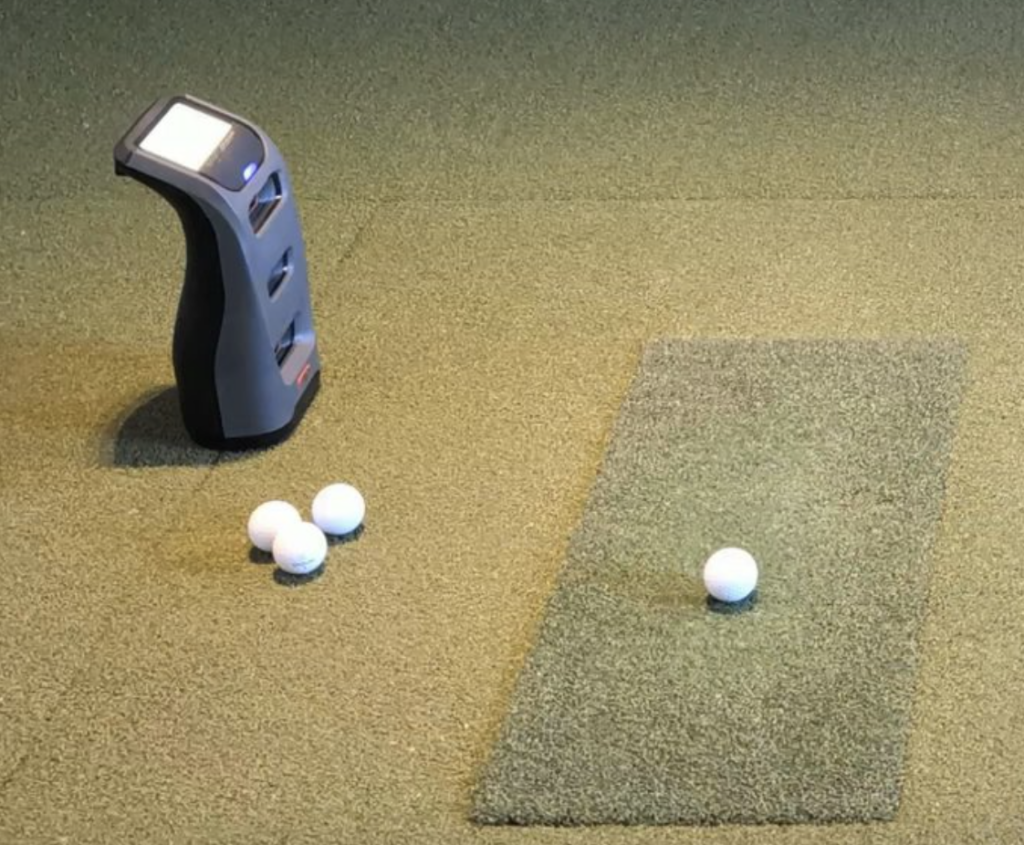
The Launch Pro is more space-efficient than most radar-based units because it sits alongside the ball rather than behind it. For a typical simulator bay, you’ll need the unit positioned roughly 24–30 inches to the side of the ball. It requires less depth than radar units like the Garmin R10 or Rapsodo, which makes it a better fit for tighter indoor setups.

Leave a Comment